Suno has made writing a song ridiculously easy. Type a prompt, hit create, and two minutes later you've got a track with vocals that won't leave your head.
Then you go to put it on YouTube and realise you need a video. A still of the cover art with a wobbly waveform isn't going to stop anyone's thumb.
I've been making and writing about AI music videos since 2023, and the workflow for Suno songs has finally got good. Here's exactly how to turn a Suno song into a proper music video, what it costs, and the rights stuff to sort out before you upload it anywhere.
Full disclosure: I earn a commission if you sign up to Neural Frames through my links. I recommend it because it's the tool I'd use, and I'll tell you when something else is the better fit.
Can Suno make a music video?
No. Suno makes songs, not music videos. Its video features are built around footage you supply: Hooks pairs a clip you upload with part of your song for Suno's short-video feed, and a song's cover art can be a short looping video, up to 10 seconds long.
You can also download a song as a video file, but nothing in Suno turns a whole song into scenes that follow the music. As Suno's own release notes for Hooks put it: "Suno doesn't generate the video for you." For that, you need an AI music video generator.
How do you make a music video for a Suno song?
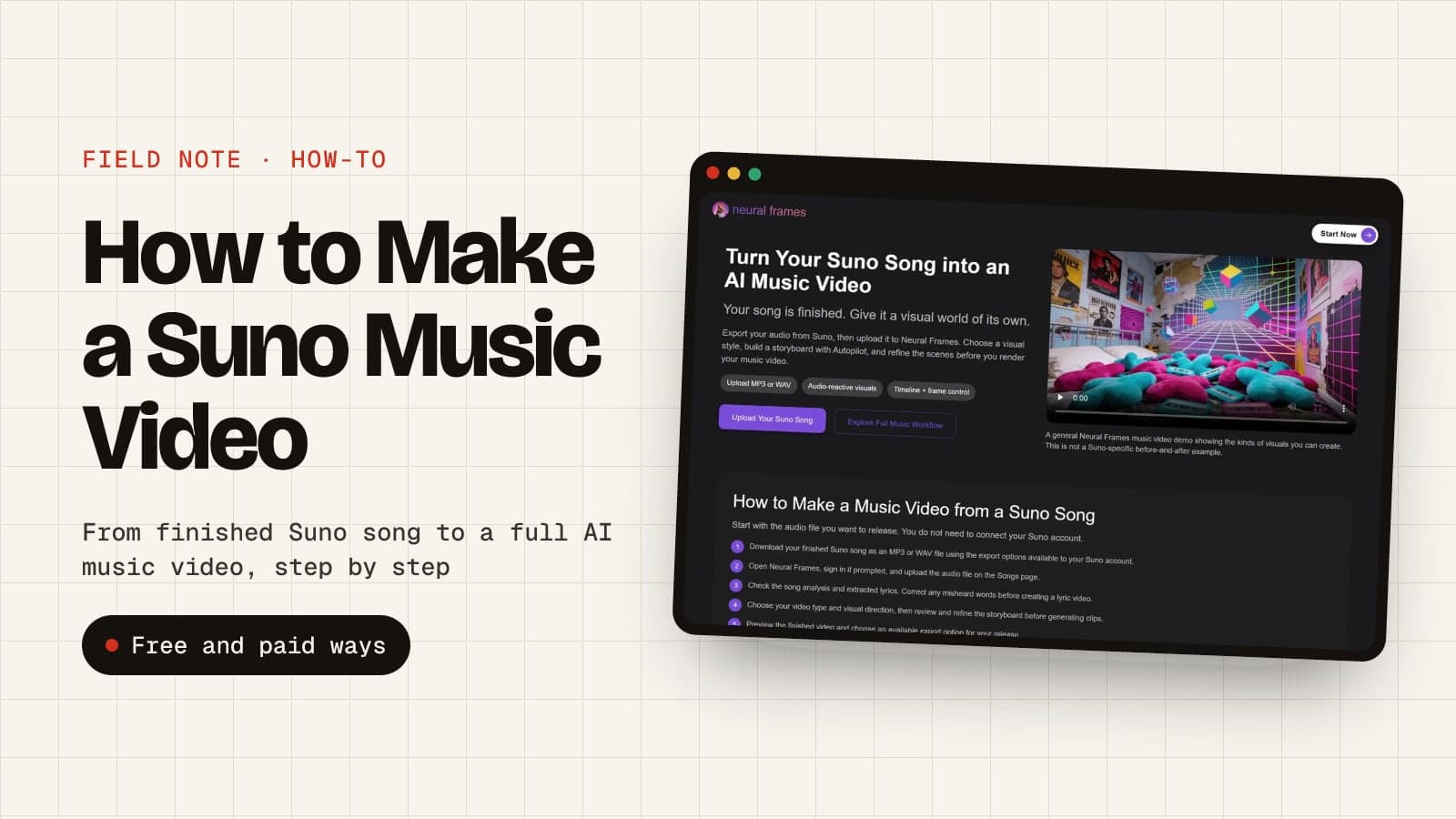
You make a music video for a Suno song in seven steps: finish the song, download it, upload it to an AI music video generator like Neural Frames, check the lyrics, pick a video type, approve the storyboard, then render and export. Here's each step.
Step 1: Finish the song in Suno
Get the song to the version you'd actually release: extend it, fix the ending, replace the dodgy bridge. Every scene in your video gets timed to the audio, so Neural Frames recommends uploading the final render, not a work in progress.
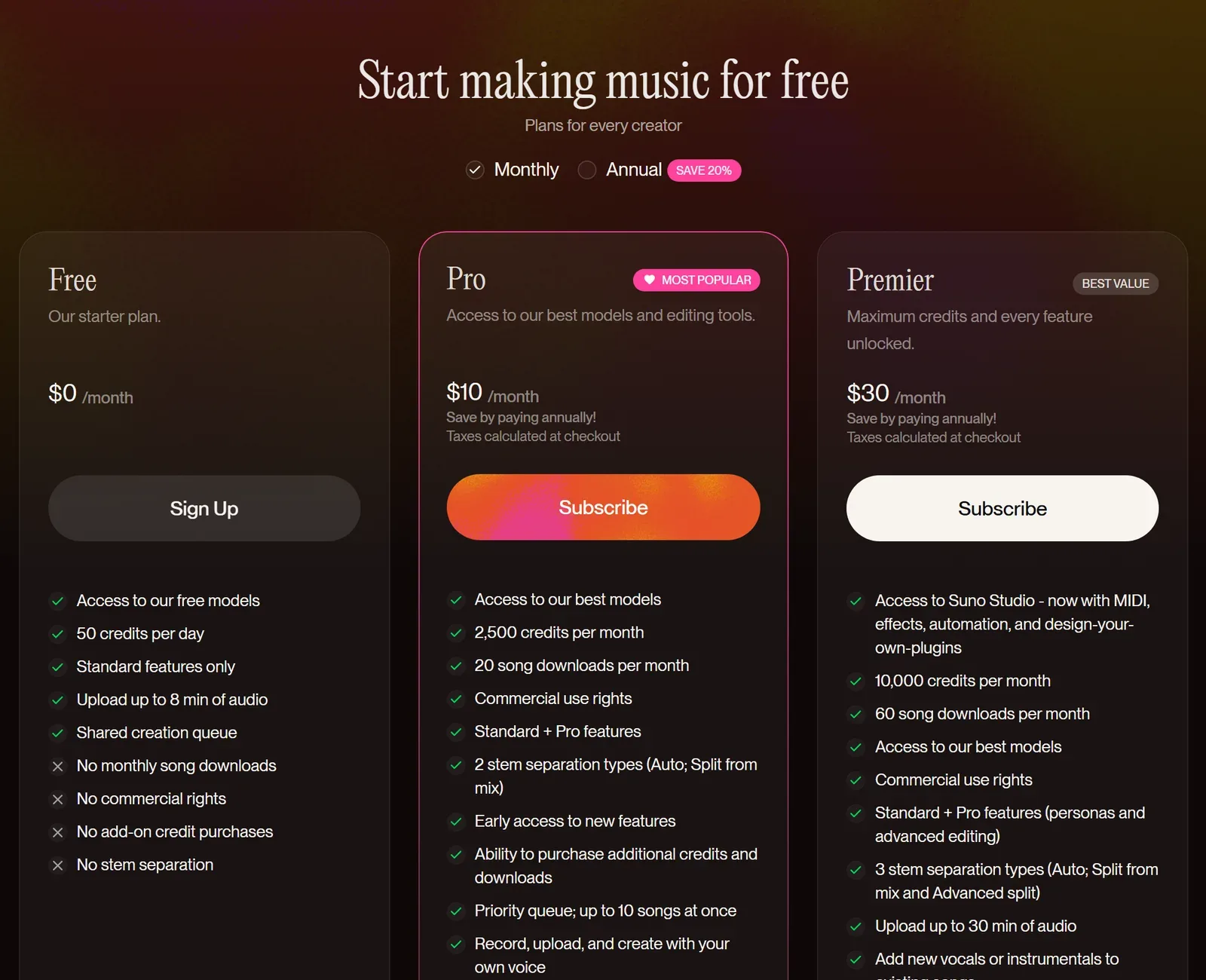
If you want to make money from the video, make the song on a paid Suno plan. Songs made on Suno's free plan come with no commercial rights, and that doesn't change later.
Step 2: Download the song as an MP3 or WAV
On suno.com, open your Library, click the three dots next to the song, choose Download and pick the format. MP3 works on every plan and in the app. WAV is only on Pro and Premier, and only on the website: the app always gives you MP3. Grabbing both formats still counts as one download.
Regular downloads need a paid Suno plan: Pro includes 20 a month and Premier 60. They don't roll over, but you can buy more. The free plan only gets a few one-off trial downloads, and Suno says those can't be used commercially.
Step 3: Upload it to Neural Frames
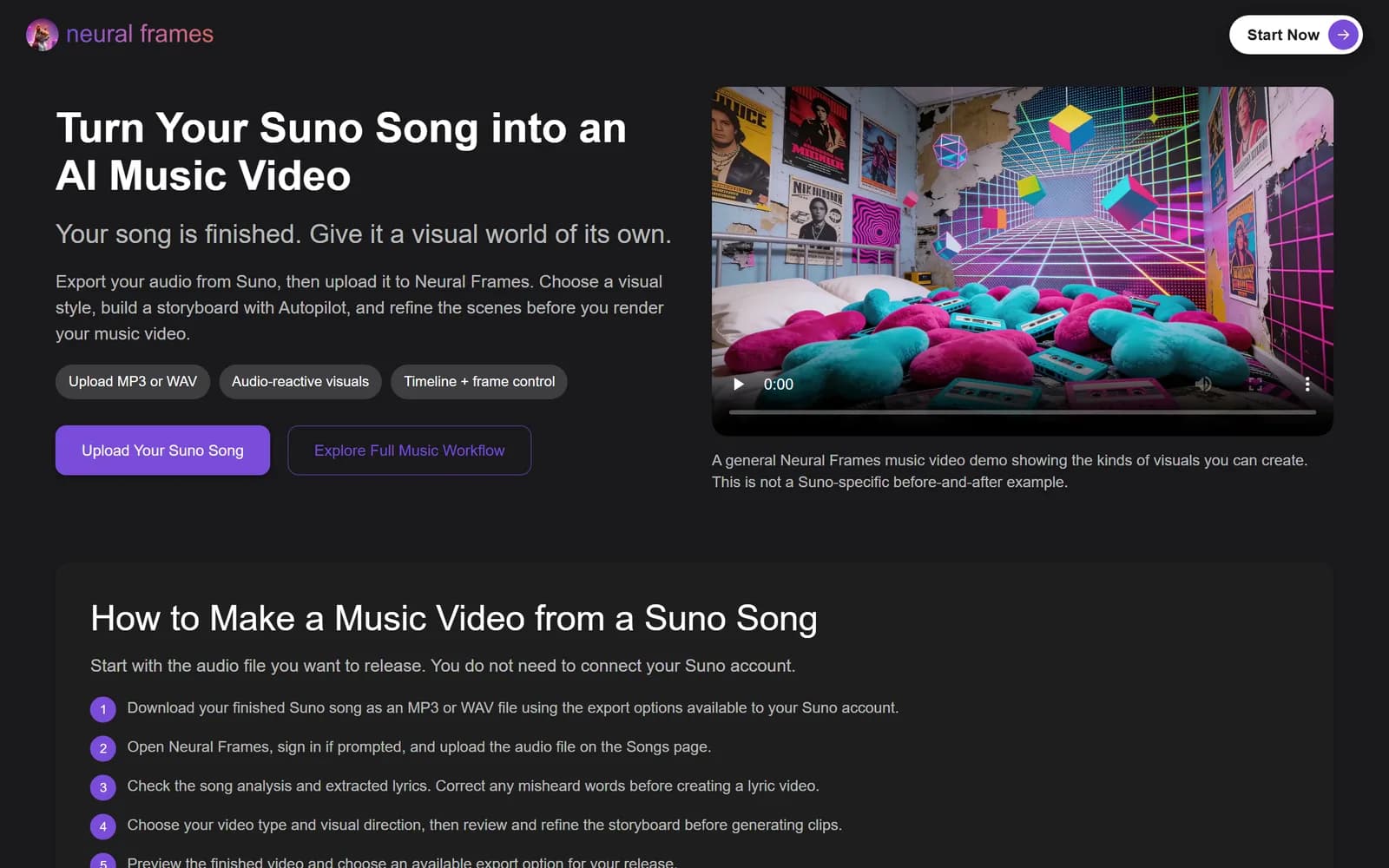
Create a free Neural Frames account (no credit card needed), open the Songs page and upload your file. There's no Suno link import and you don't need to connect your Suno account: the audio file is all it needs.
Step 4: Check the lyrics
Neural Frames pulls the lyrics out of your song automatically, along with the tempo and key. AI vocals can be a bit mumbly, so compare them against the lyrics you wrote in Suno and fix anything it misheard. This matters most for lyric videos, where the words end up on screen.
Step 5: Pick the video type and the look
Autopilot gives you three main ways to go:
- Music video: a storyboarded video that follows your song's mood, structure and beat.
- Lyric Showcase: a lyric video, with the words generated inside the scenes.
- Vocal Video: a character who sings your song with automatic lip sync. Handy when your Suno "artist" doesn't exist in real life.
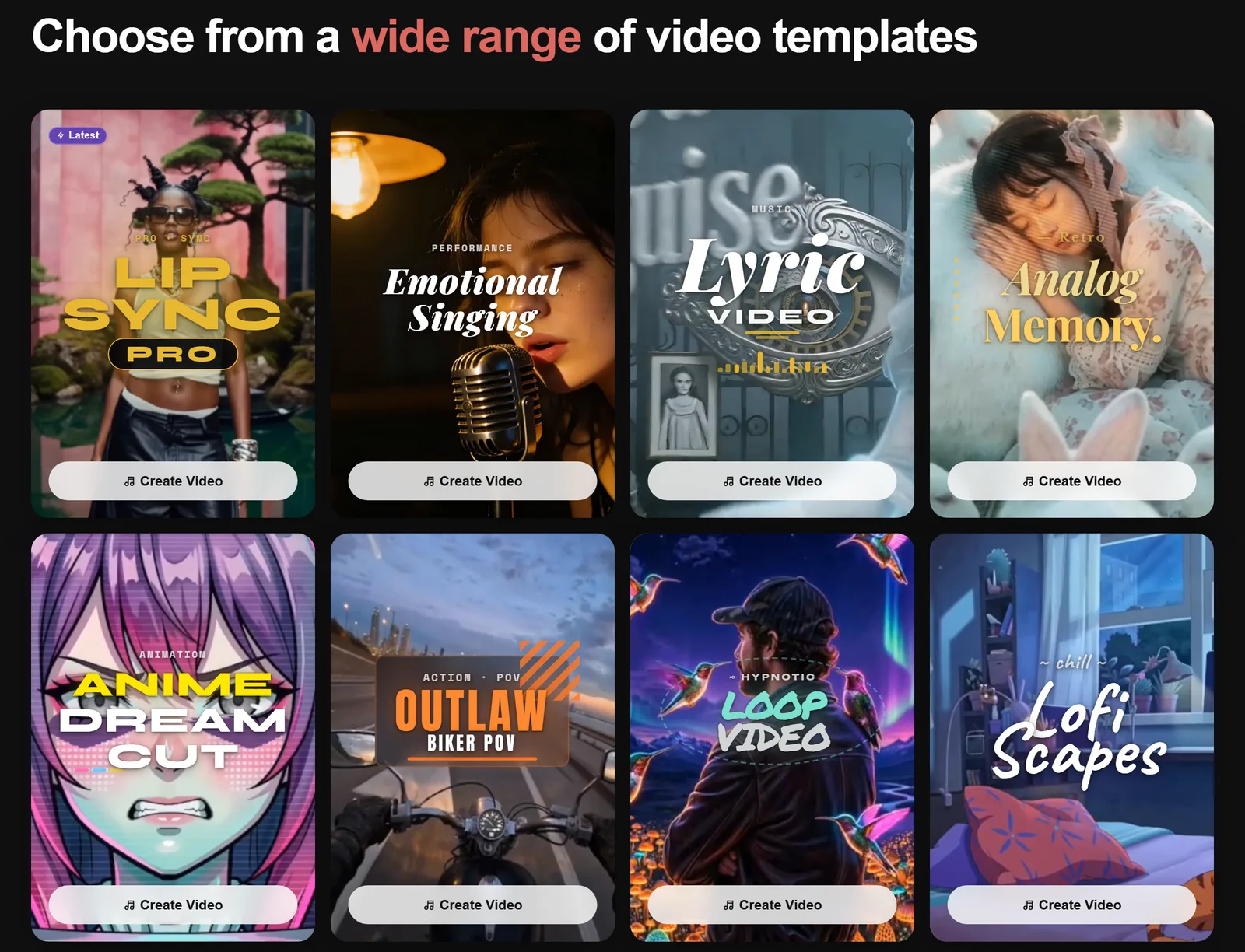
Then pick a template or style, add your characters and a location (Neural Frames calls them Environments), and set how hard the visuals should hit the beat. The templates are the fastest start: Lipsync Pro, Emotional Singing, Lyric Video, Analog Memory, Anime Dreamcut, Outlaw Biker POV, Loop Video and Lofi Scapes.
Step 6: Approve the storyboard and keyframes
Autopilot sketches a storyboard for the whole song first. It's the cheap stage, so this is where to test ideas. Then it renders a keyframe for each clip: re-roll any you don't like, or describe the change in the chat.
Pick the AI model for the final render here too. Seedance 1.5 Pro is the budget option at 372 credits a minute, and Kling 3.0 Pro (1,116 credits a minute) is the one I'd use for close-ups and lip sync.
Step 7: Render and export
Choose punchy Cut edits or smooth Blend transitions, then render. It takes about 10 to 15 minutes. Export in 16:9 for YouTube, and use Short-Form Studio to cut 9:16 clips for Shorts, Reels and TikTok from the same video.
You get one free re-render per minute of video for fixing glitches, and failed generations don't cost credits. For the full walkthrough with screenshots of the editor, see my guide on how to make an AI music video with Neural Frames.
My pick for Suno songs
Neural Frames
Upload your Suno song and Autopilot turns it into a full music video, lyric video or lip-sync performance, with visuals that hit every beat. Free to start, no credit card.
What is the best Suno music video generator?
Neural Frames is the best Suno music video generator if you want control over how the video looks and moves. freebeat is the quickest, because you can paste a Suno link straight in, and Kaiber suits batches of short, beat-synced clips.
You'll also bump into SunoMV at suno.bi. Despite the name, it isn't made by Suno. It does neat karaoke-style lyric videos, but its free plan only previews: exporting a video needs its $39.90 a month Pro plan.
| Tool | How your Suno song gets in | Free option | Paid from | Best for |
|---|---|---|---|---|
| Neural Frames | Upload the MP3 or WAV | Free to start (watermarked) | $39/month ($26 yearly) | Full music videos, lyric videos and lip sync that follow the beat |
| freebeat | Paste a Suno link | Free plan (watermarked) | $6.99/week | Quick singer-led performance videos |
| SunoMV (suno.bi) | Paste a Suno link or upload | Free previews, no export | $39.90/month | Lyric videos with word-by-word karaoke captions |
| Kaiber | Upload the audio | $5 five-day trial | $10/month ($8 yearly) | Batches of beat-synced social clips |
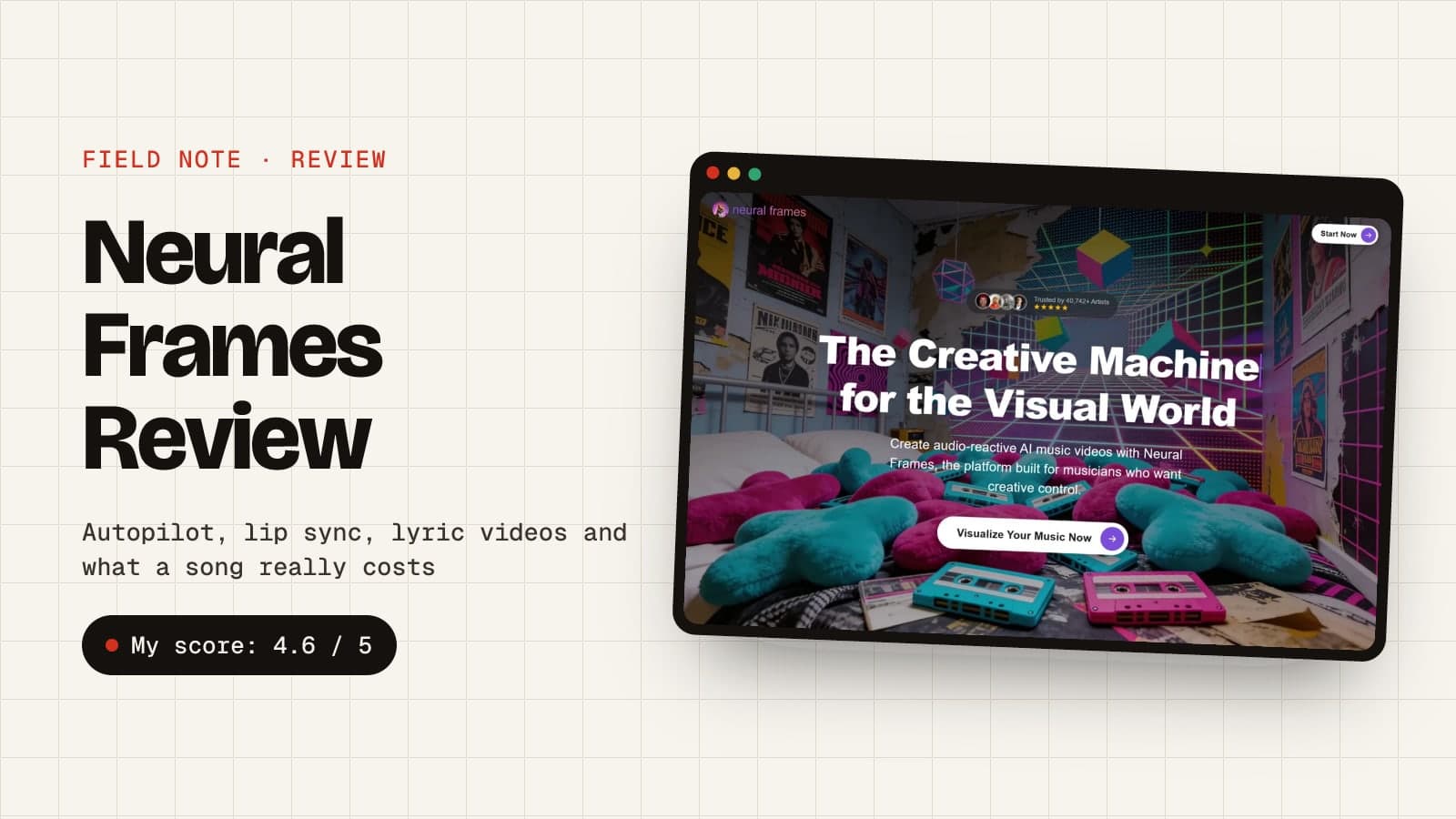
The big difference is how each tool listens. Neural Frames splits your song into eight stems, so a hi-hat, a bassline or a vocal can each move the picture. freebeat maps the song's beats, bars and sections, and leans hard into lip sync. For more options, here's my list of the best AI music video generators, and my full Neural Frames review.
One catch with the paste-a-link tools: Suno only gives commercial rights to songs you download through Suno, and its terms ban getting a copy any other way. So for a video you'll monetise, download the song from Suno and upload the file, whichever tool you use.
How much does it cost to make a music video for a Suno song?
A music video for a Suno song costs a paid Suno plan (from $10 a month, or $8 billed yearly) plus your video tool's credits. With Neural Frames, a 3-minute Autopilot video costs 1,116 credits on Seedance 1.5 Pro or 3,348 on Kling 3.0 Pro, which is about $15 to $46 on the monthly Neural Ninja plan.
| Setup | Per month | What you get |
|---|---|---|
| Suno Pro + Neural Knight, monthly | $49 ($10 + $39) | 20 song downloads and about two 3-minute videos on Seedance 1.5 Pro |
| Suno Pro + Neural Ninja, yearly | $74 ($8 + $66) | 20 song downloads and about six 3-minute videos on Seedance 1.5 Pro, or two on Kling 3.0 |
| Suno Premier + Neural Ninja, yearly | $90 ($24 + $66) | 60 song downloads, Suno Studio and the same Neural Frames credits |
Neural Knight is the cheapest way in, but Neural Frames itself says it's not recommended for Autopilot: its 2,400 monthly credits don't stretch to a 3-minute Kling video. If you're releasing a song or two a month, Neural Ninja on yearly billing is the sweet spot.
Can you monetise a music video made with a Suno song?
Yes, as long as you download the song through Suno while you're on a paid plan. Songs downloaded on Pro or Premier come with commercial use rights, and you keep them if you cancel later. Free-plan songs and free trial downloads don't get them, even if you subscribe afterwards, so they're for personal videos only. The video side is simpler: Neural Frames says you own the videos you make and can monetise them.
On YouTube, set AI use to Yes when you upload. YouTube asks you to disclose AI when it creates music that's the main focus of a video, and it may show a label on the player. Disclosing won't limit your reach or your ability to earn money.
Two more YouTube things to know. It won't monetise mass-produced, repetitive videos, so give each song a proper video rather than flooding a channel with near-identical uploads. And Content ID claims can still pop up, so keep a record of which Suno plan you made each song on, in case you need to dispute one.
Keep an eye on the legal side, because it's still moving. Warner Music now licenses its catalogue to Suno, but Universal and Sony sued Suno again in September 2026. For more on where AI music is heading, see my roundup of AI music statistics.
How do you make a lyric video for a Suno song?
You make a lyric video for a Suno song by uploading it to Neural Frames, correcting the lyrics against the ones you wrote in Suno, then picking the Lyric Video template or the Lyric Showcase technique. The words get generated inside the scenes, so they look like part of the world rather than subtitles.
Split long lines in two before you generate, because shorter lines lock to the timing better. Generated words sometimes come out wonky, so budget a re-roll or two. If you want plain subtitles instead, Neural Frames' caption editor puts your lyrics over any video.
What size should a music video for a Suno song be?
A music video for a Suno song should be 16:9 for YouTube and 9:16 for Shorts, Reels, TikTok and Spotify Canvas:
| Where it goes | Shape | Size | Length |
|---|---|---|---|
| YouTube music video | 16:9 | 1920 × 1080, or 4K | The full song |
| YouTube Shorts, Reels and TikTok | 9:16 | 1080 × 1920 | A chorus or hook, under a minute |
| Spotify Canvas | 9:16 | 720 to 1080 pixels tall | 3 to 8 second loop, MP4 or JPG |
| Suno song art (looping video) | 9:16 | 720 pixels tall | Up to 10 seconds, MP4 |
Spotify says Canvas loops work best without singing or speaking, because the short clip won't sync with the lyrics. Neural Frames' Loop Video template is made for exactly this. Keep the loop between 3 and 8 seconds and the same file works as your Suno song art too.
Tips for better Suno music videos
- Build an artist, not a one-off. Make your singer once in Neural Frames' Character Editor and reuse them for every release, so your Suno project has a face people recognise.
- Keep the locations consistent. Save an Environment, like a neon street or a grand ballroom, so your singer doesn't teleport to a new room every four seconds.
- Draft cheap, finish expensive. Rough the whole video out on Seedance 1.5 Pro, then re-render the close-ups on Kling 3.0 Pro.
- Make the vertical cut on the same day. A 20-second Short or Reel of the chorus is what actually gets a new song heard.
- Download WAV when you can. It's lossless, so the stem splitter gets cleaner audio to react to. It's on Pro and Premier, on the website, and doesn't use an extra download.
Wrapping up
Suno gets you the song in minutes. With the right tool, the video doesn't have to take longer. Download your finished song on a paid Suno plan, start free on Neural Frames, let Autopilot do the heavy lifting, and spend your time on the bits that make it yours: the character, the locations and the moments that hit with the chorus.