Suno video generators compared
The biggest differences are how your song gets in and whether the tool can handle the whole track:
| Tool | How your song gets in | Full songs? | Free option | Paid from |
|---|
| Neural Frames | Upload MP3 or WAV | Yes, up to 10 minutes | Free to start (watermarked) | $39/month ($26 yearly) |
| Suno Visuals | Already in Suno | 15-second clips you extend | None | Credit packs, or $120/month |
| freebeat | Suno link or upload | Yes | Up to 8 videos (watermarked) | $6.99/week |
| Kaiber | Upload | 1 to 3 minutes | $5 five-day trial | $10/month ($8 yearly) |
| SunoMV | Suno link or upload | Yes | Previews only | $39.90/month |
Which Suno video generator should you pick?
Pick a Suno video generator based on the kind of video you’re making:
| If you... | Pick |
|---|
| Want a full music video for YouTube | Neural Frames |
| Need a 15-second clip for TikTok or Reels, fast | Suno Visuals |
| Want a singer performing your song to camera | freebeat |
| Need a stack of beat-synced clips for each release | Kaiber |
| Want a karaoke-style lyric video | SunoMV |
Can you paste a Suno link into a video generator?
Yes, freebeat and SunoMV both take Suno links, but don’t use one for a video you plan to make money from. Suno’s terms only allow commercial use of songs you’ve downloaded through Suno, and they ban getting a copy any other way.
The fix takes a minute: download the song from Suno, then upload the file to your video tool. You’ll need a paid Suno plan, and my guide on selling Suno music covers the rest of the rights.
Is there a free Suno video generator?
There’s no free Suno video generator for a full, watermark-free video. freebeat’s free videos and Neural Frames’ free start both carry a watermark, SunoMV’s free plan only previews, and Suno Visuals needs visual credits. For a video you can actually post, budget for one paid month.
How to turn a Suno song into a music video
To turn a Suno song into a music video, download the song, upload it to a video generator, and let it build the video around your track:
- Finish the song on a paid Suno plan.
- Download it from Suno as a WAV.
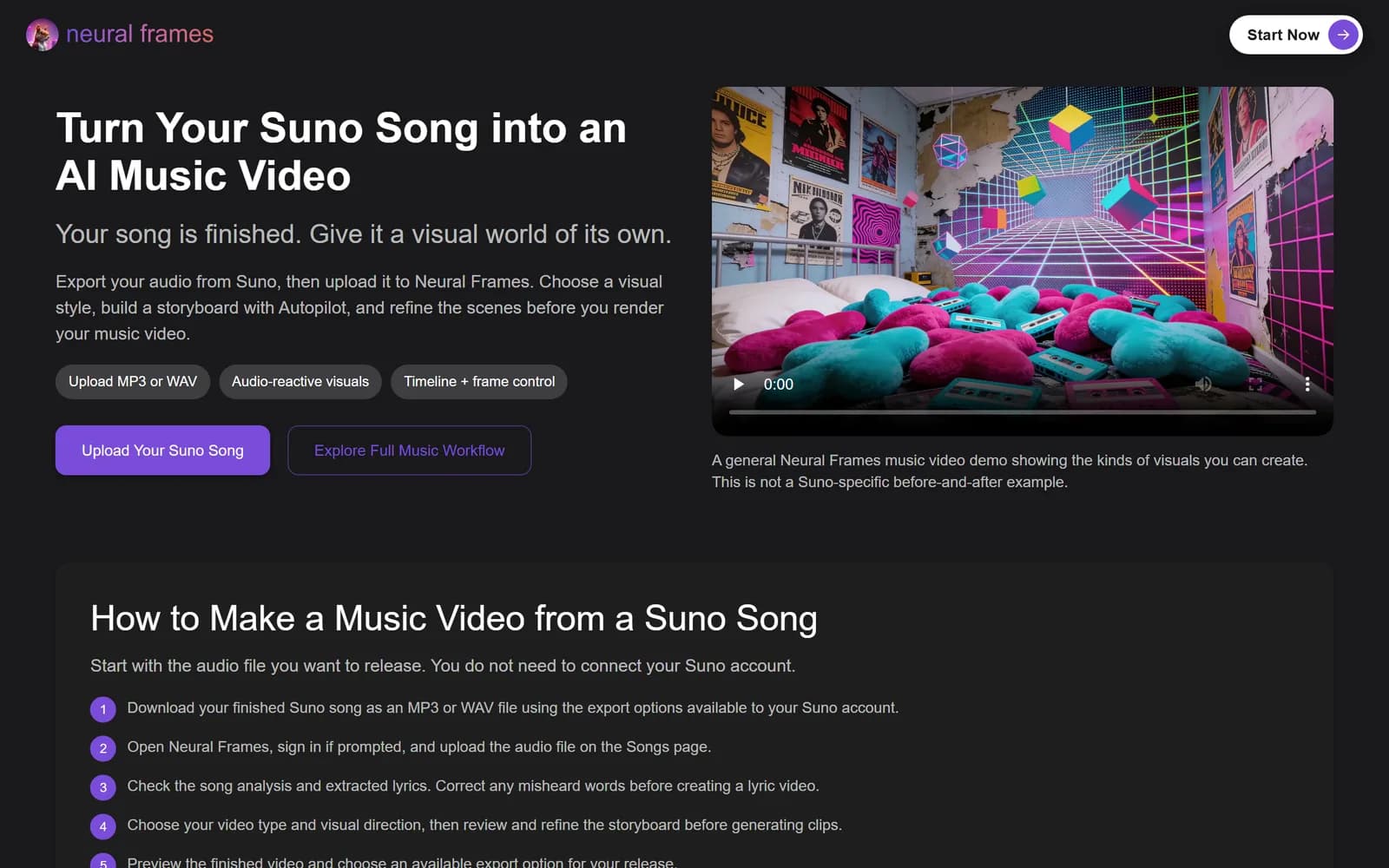
- Upload it to Neural Frames and check the lyrics it pulls out.
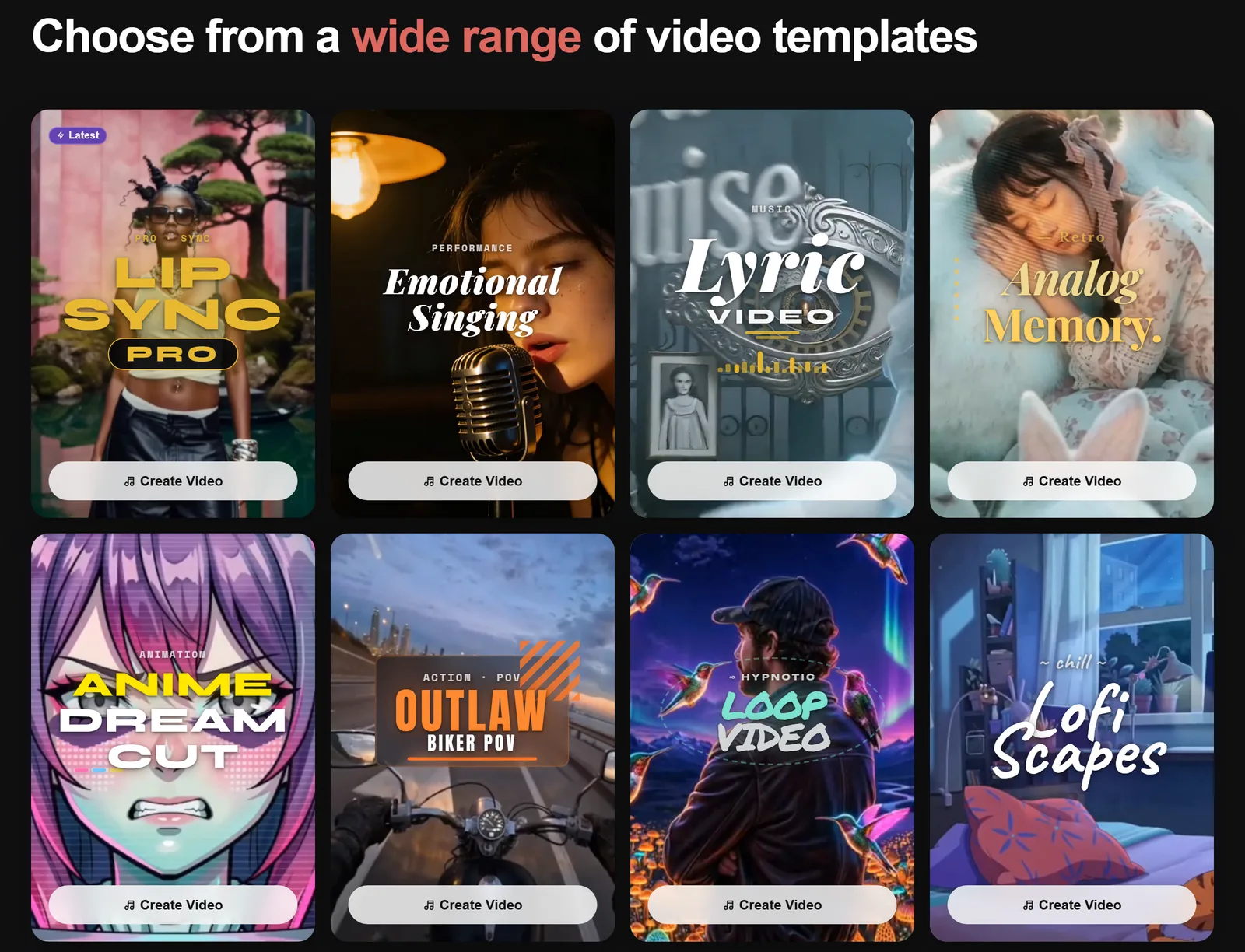
- Pick a template, then approve the storyboard.
- Render it, then export 16:9 for YouTube and 9:16 for Shorts, Reels, and TikTok.
My Suno music video guide walks through every step. For tools beyond Suno, see my list of the best AI music video generators.
How I picked the best Suno video generators
I ranked these tools on four things, in this order:
- Does it follow the song? The visuals should land on the beat and fit the lyrics.
- Can it handle a full track? A music video runs three or four minutes, not 15 seconds.
- How does a Suno song get in? Uploading the file keeps your commercial rights clean.
- What does a video really cost? Credits, watermarks, and resolution limits all count.
Wrapping up
For a proper music video, start with Neural Frames. For a quick teaser, use Suno Visuals, since your song’s already there. Either way, download your song through Suno before you monetise anything.
Try Neural Frames free →